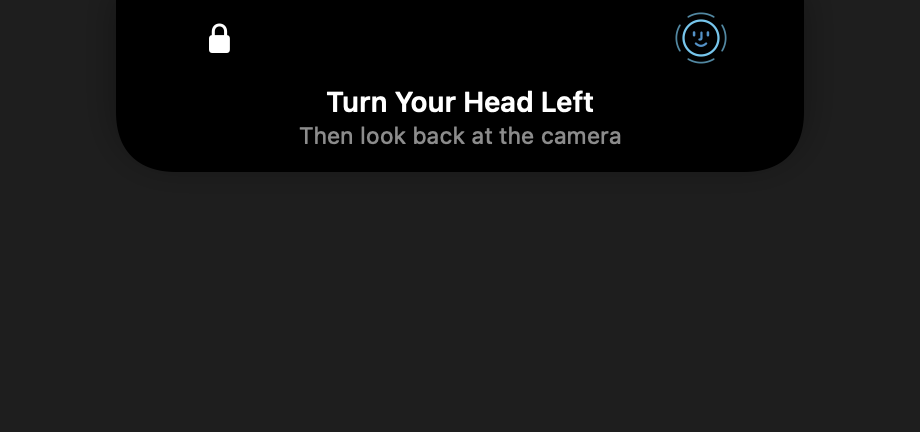
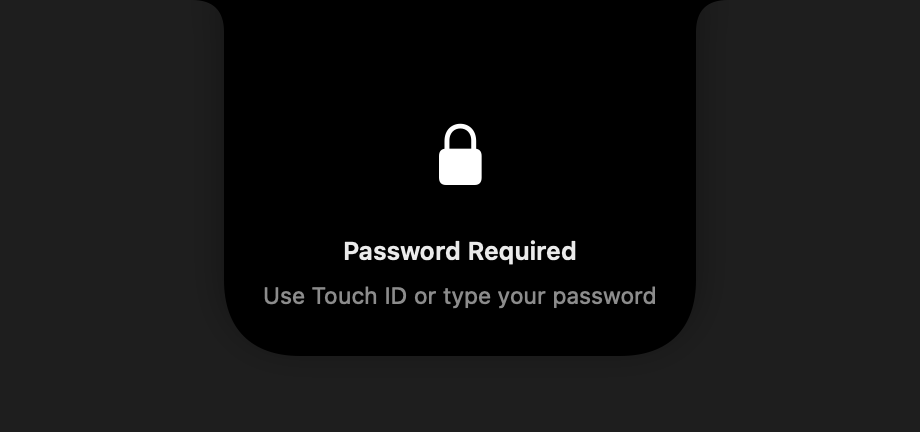
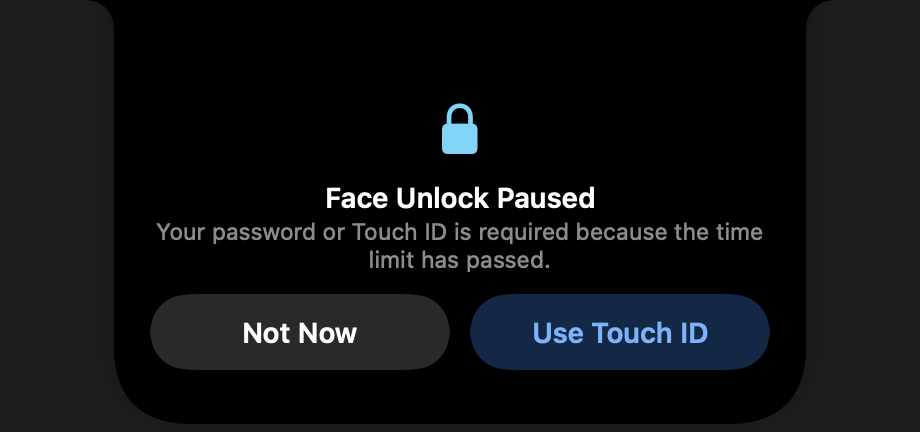
Made for your Mac. A padlock and your face sit beside the notch or island. With neither, a pill drops from the top.
FaceUnlock for your Mac
Your Mac knows
it’s you.1
It recognizes you with the built-in camera, and shows you right beside the camera.

Your Name
Move the pointer here and look at the camera
A working illustration with the app’s behaviour. It doesn’t use your camera.
Get the highlights.
Alerts from the notch. Paused after your time limit, someone else tried, or you stepped away.
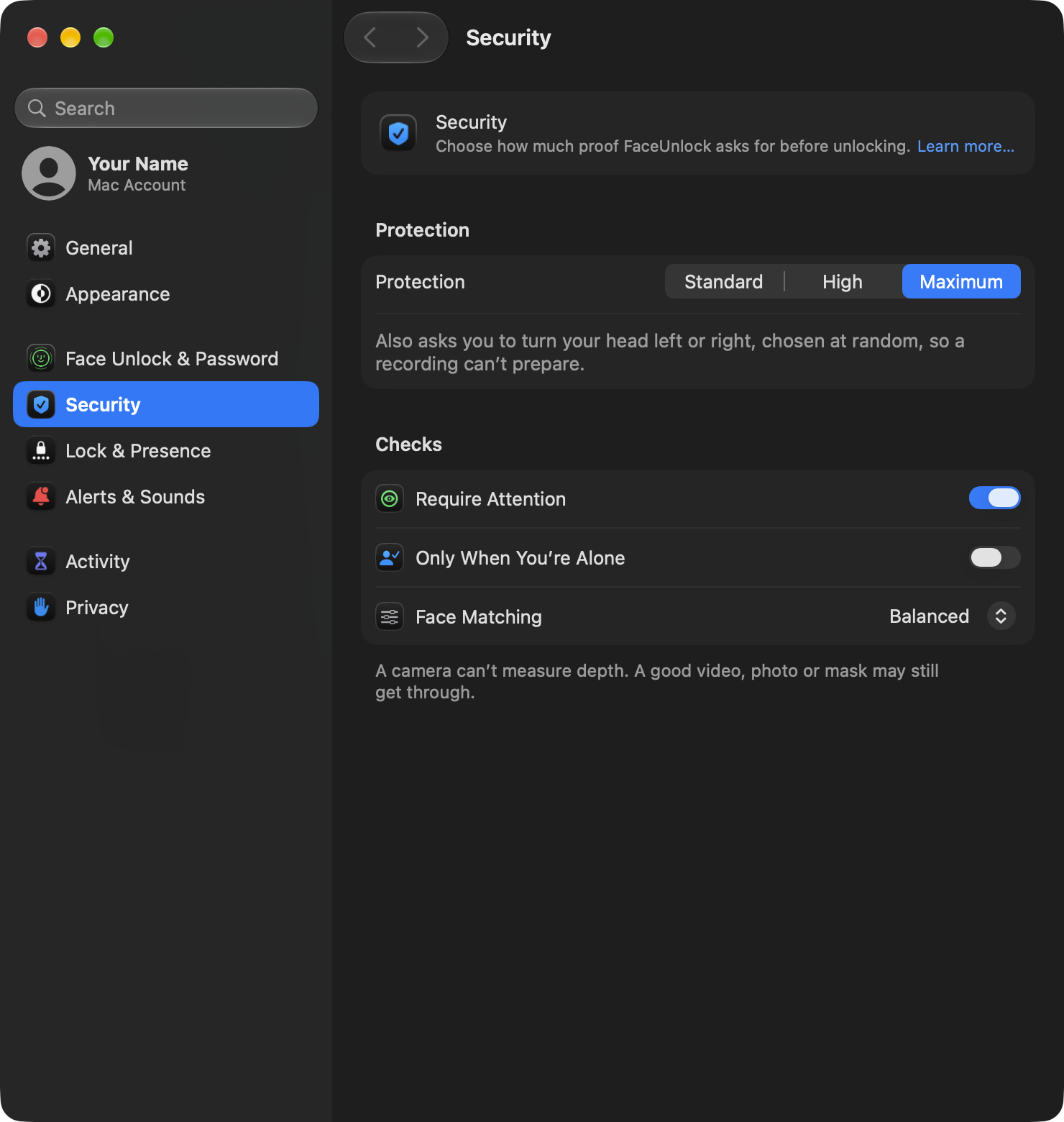
Layers of checking. Choose how much proof it asks for. Turning it down needs Touch ID.
Walk away. It locks. If nobody’s there when you stop typing, your Mac warns you, then locks.
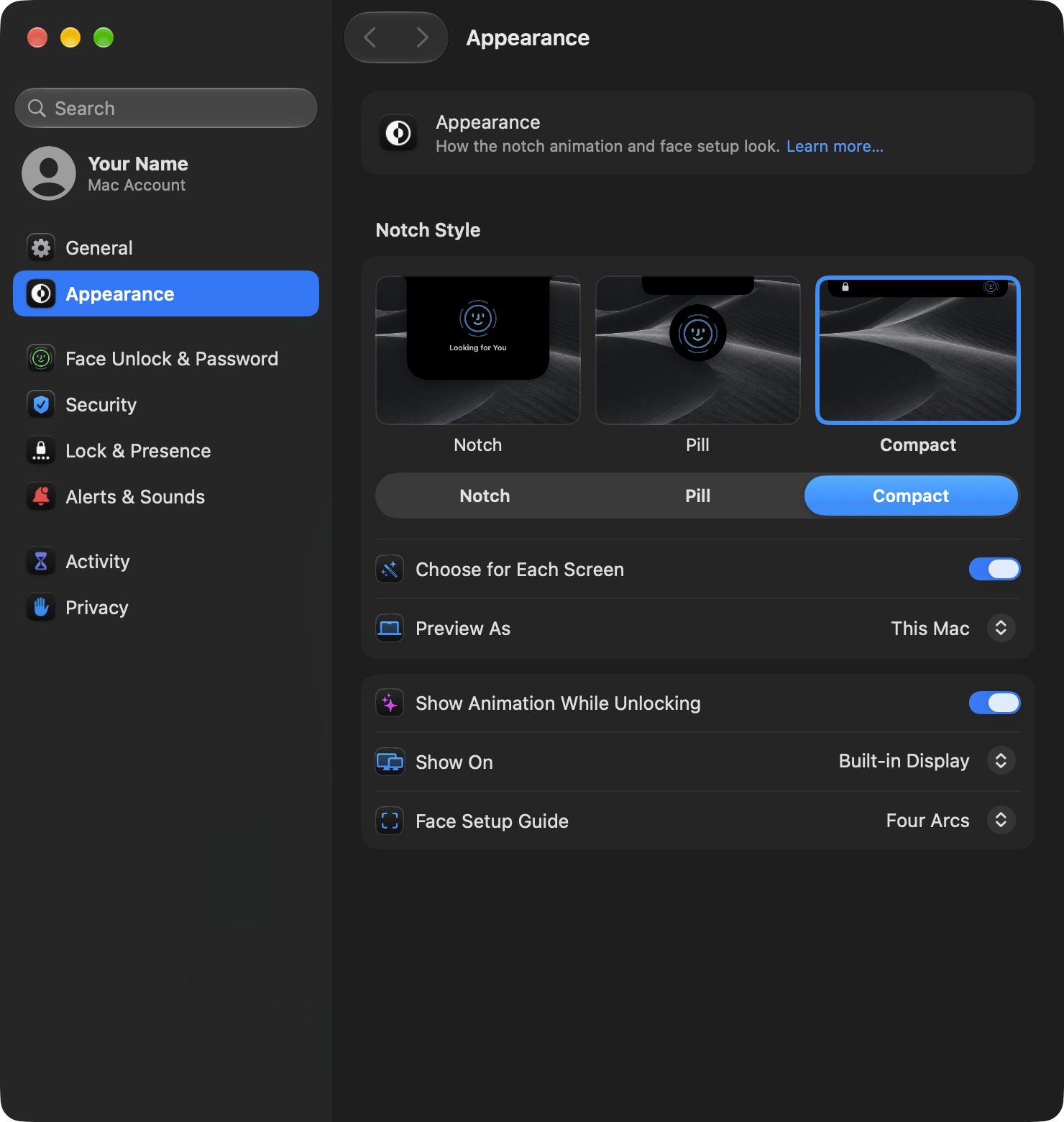
Pull to choose. Slide between notch, pill and compact in Settings, with each one playing live.
Glasses on. Hat on. Add each as its own appearance, and let it keep up with you from your unlocks.
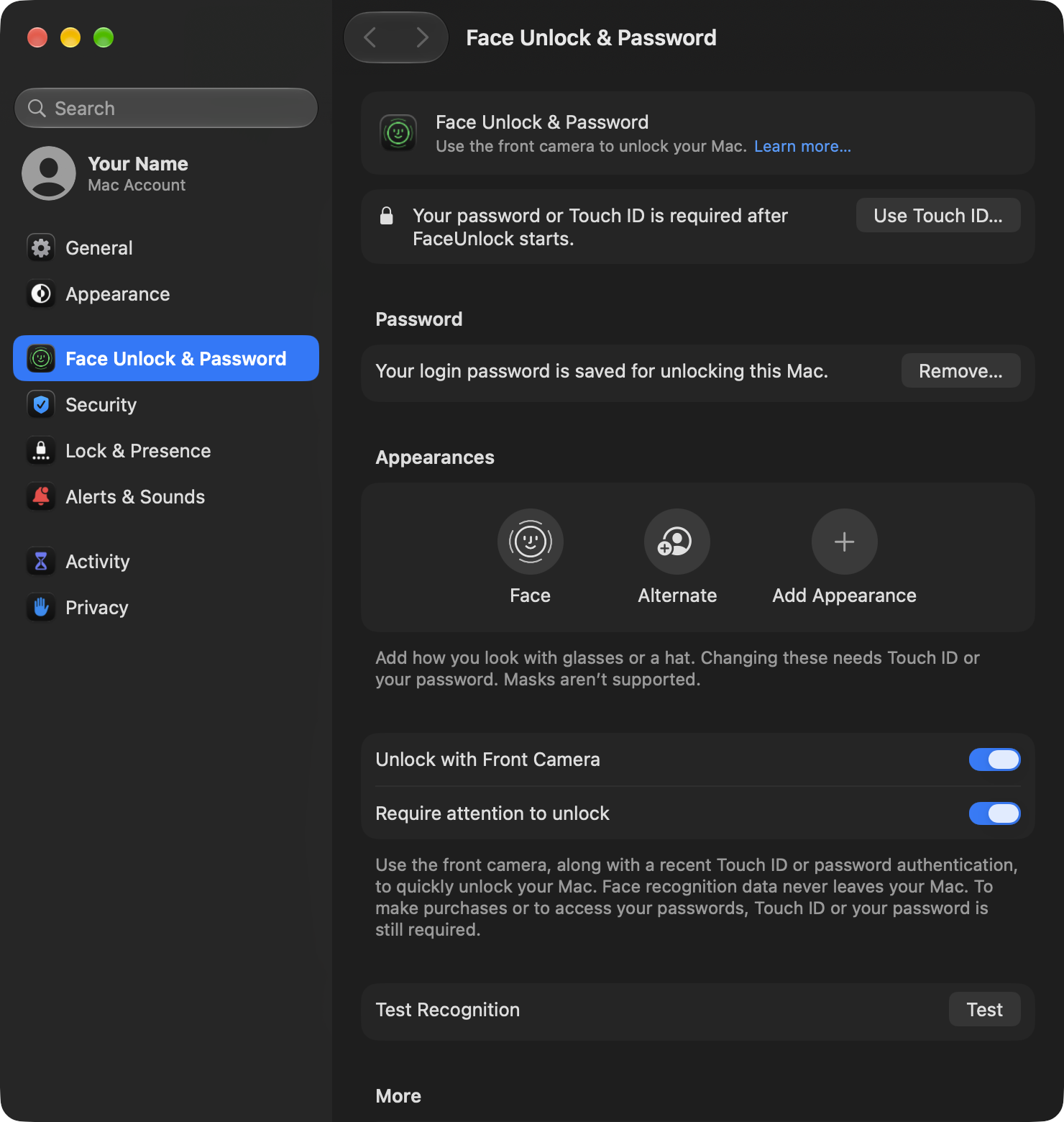
Your time limit. Ask for your password after 5 minutes or 3 hours. 45 minutes unless you change it.
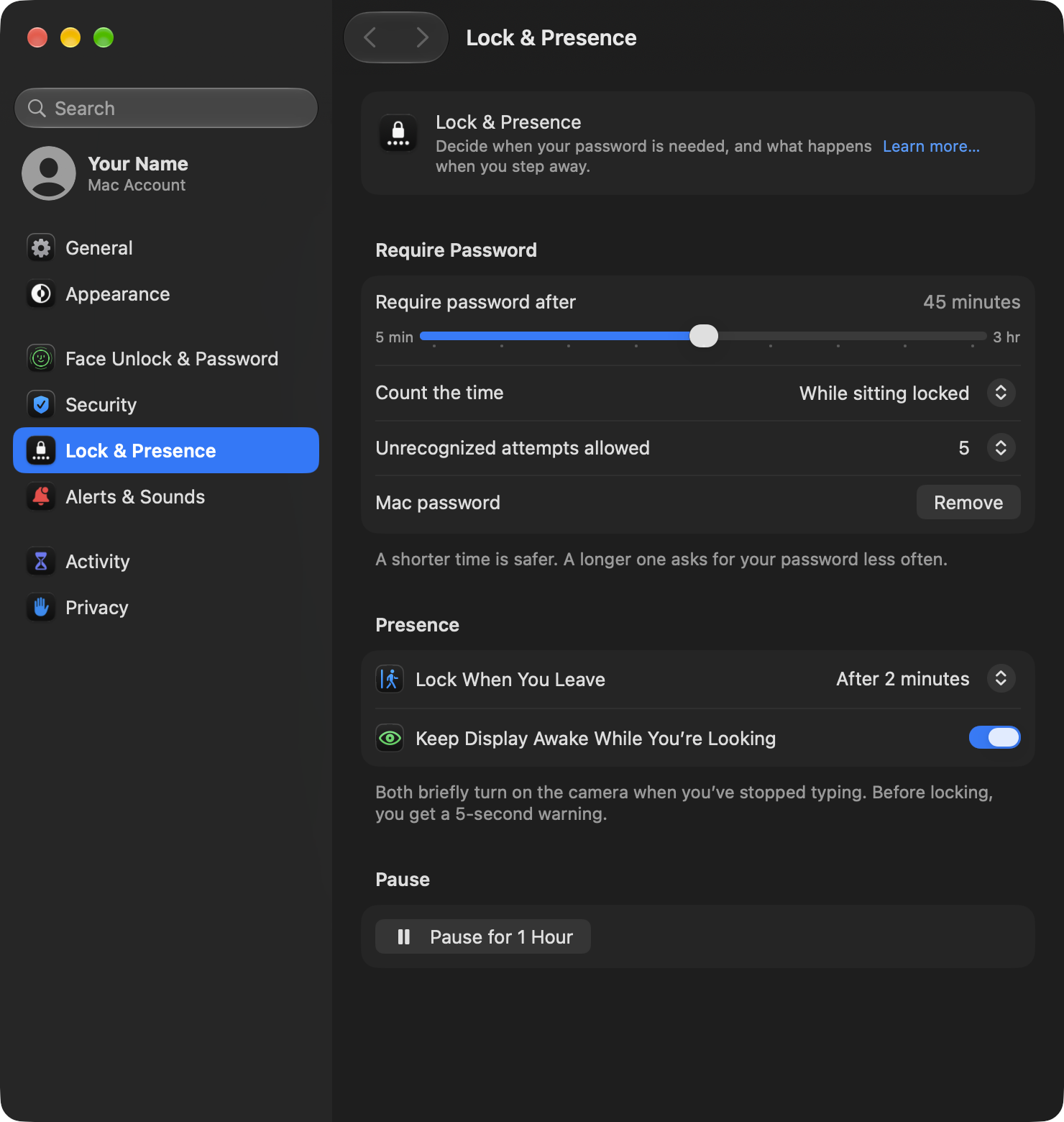
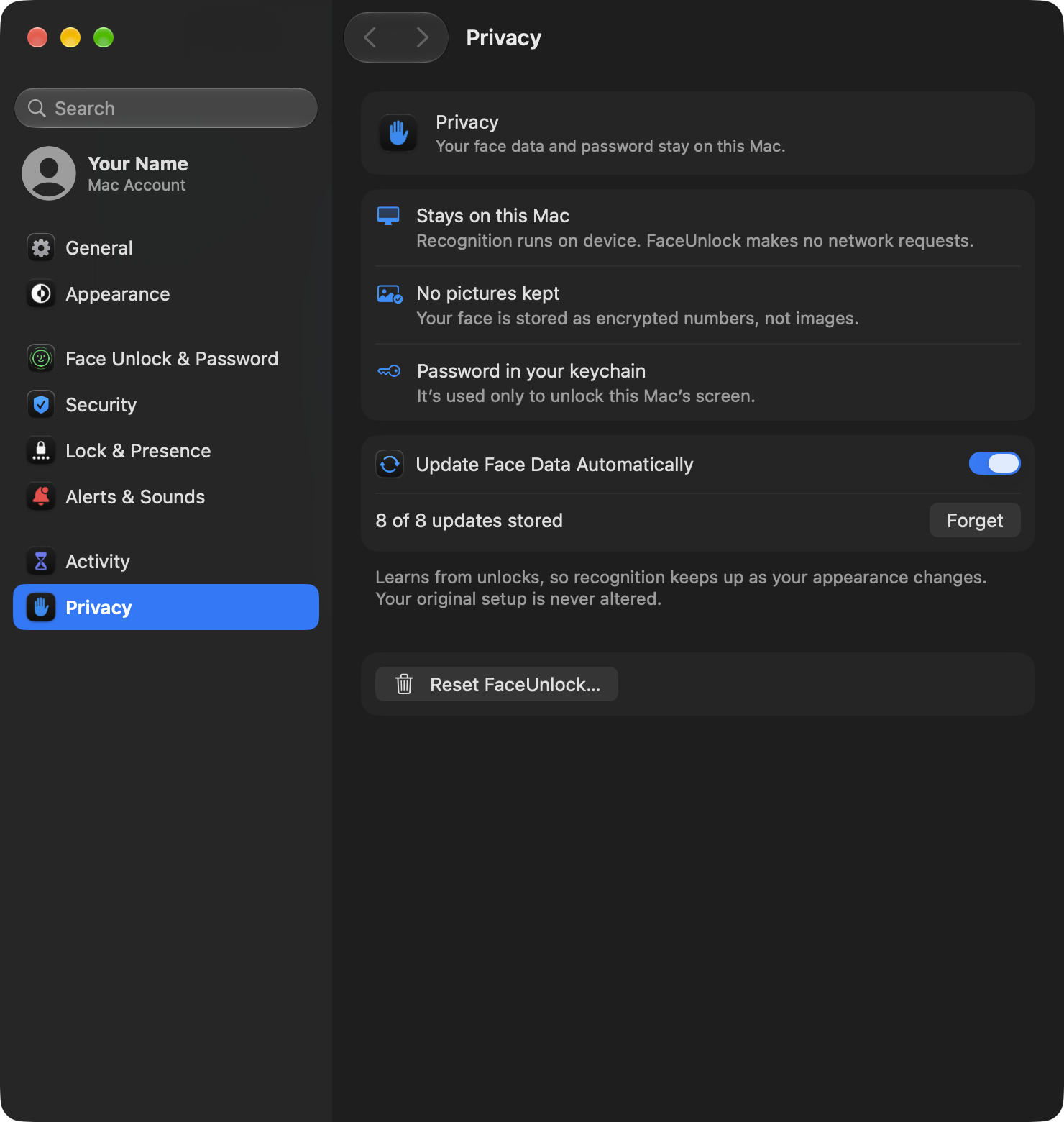
At home on your Mac. Settings that work the way System Settings does.
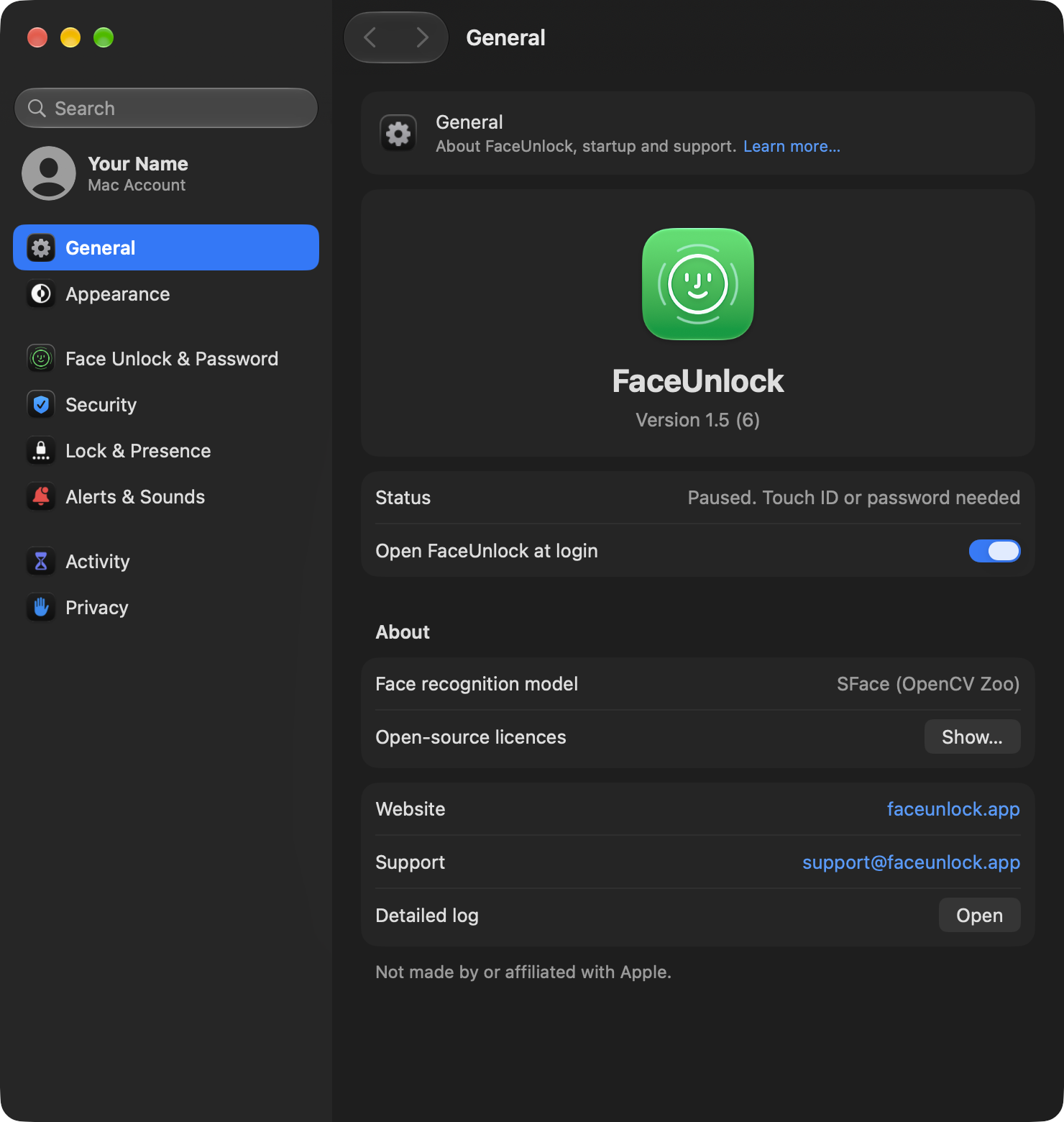
At home on every MacBook.
MacBook with a notch
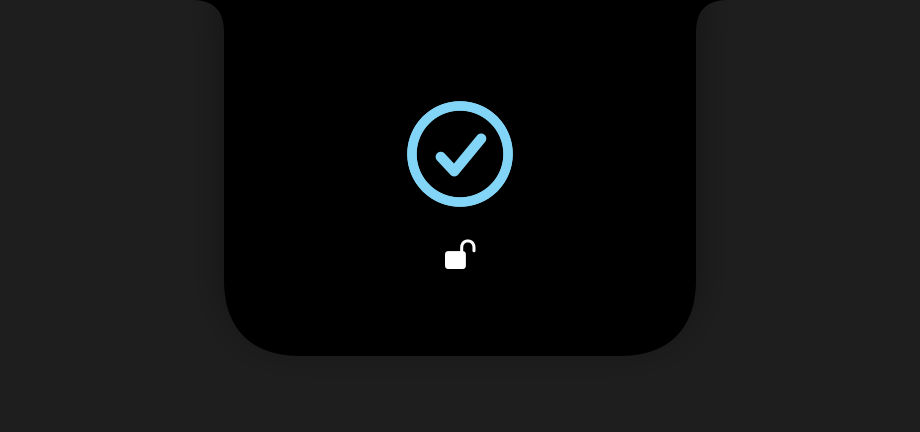
A padlock on one side of the camera, your face on the other. The face turns into a tick as the lock opens.
Friday 27 November
9:41
Dynamic Island
The island widens into the same two sides. Messages drop below it.
Friday 27 November
9:41
No notch
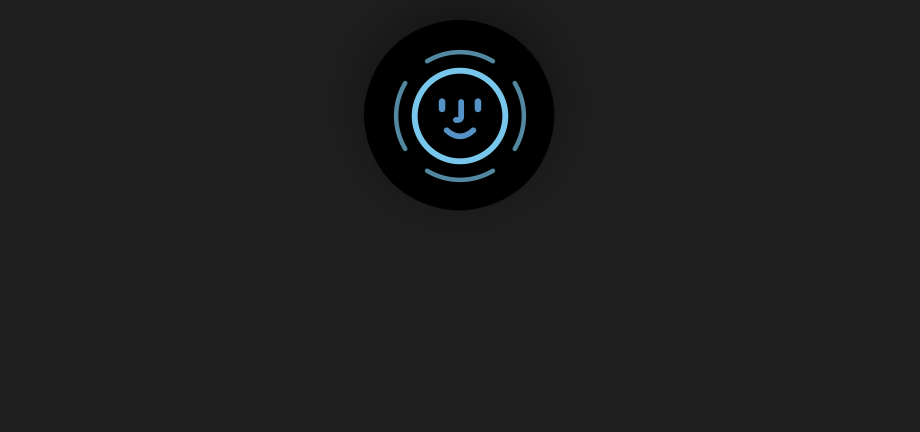
A pill drops from the top edge, floats free, and shows the same turn into a tick.
Friday 27 November
9:41
Setup
Turn four ways.
Done.
Each arc turns blue as that side of your face is captured. If turning is difficult, set up without it.
One look. One tick.
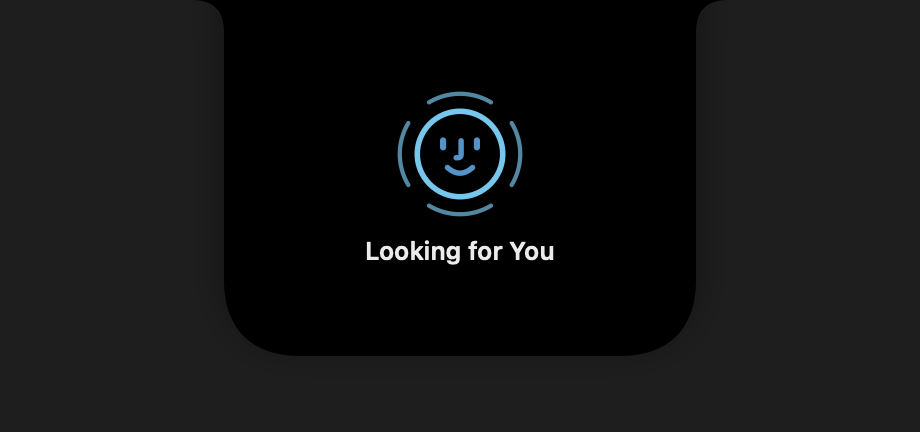
 1. LookingA padlock one side of the camera, your face the other.
 2. FoundThe four arcs spin and join into one ring.
 3. ConfirmedThe tick draws in the middle, and the padlock opens.
 4. AwayIt draws back into the notch as your Mac unlocks.
Settings, the Mac way.
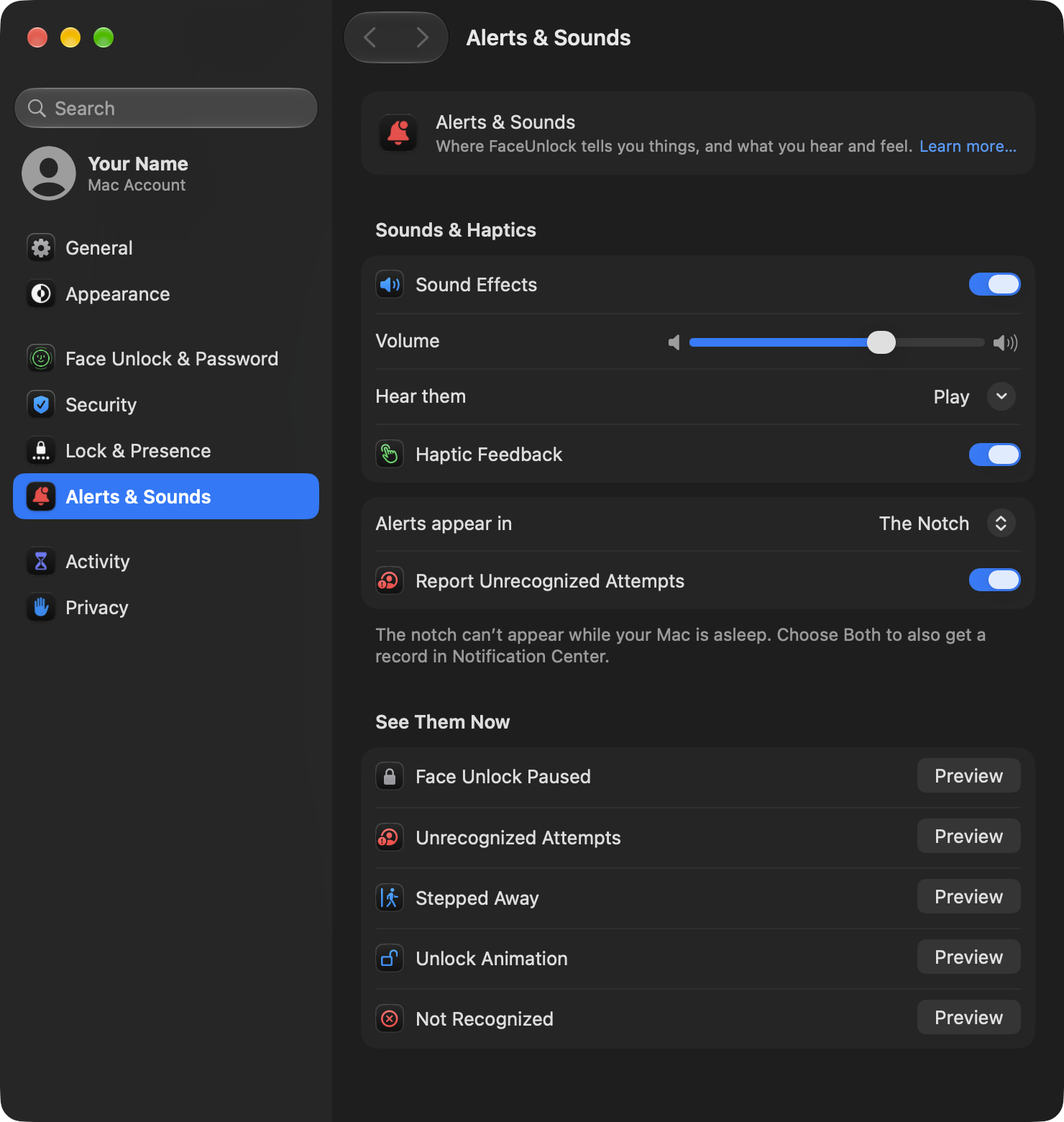
Every moment, in the notch.